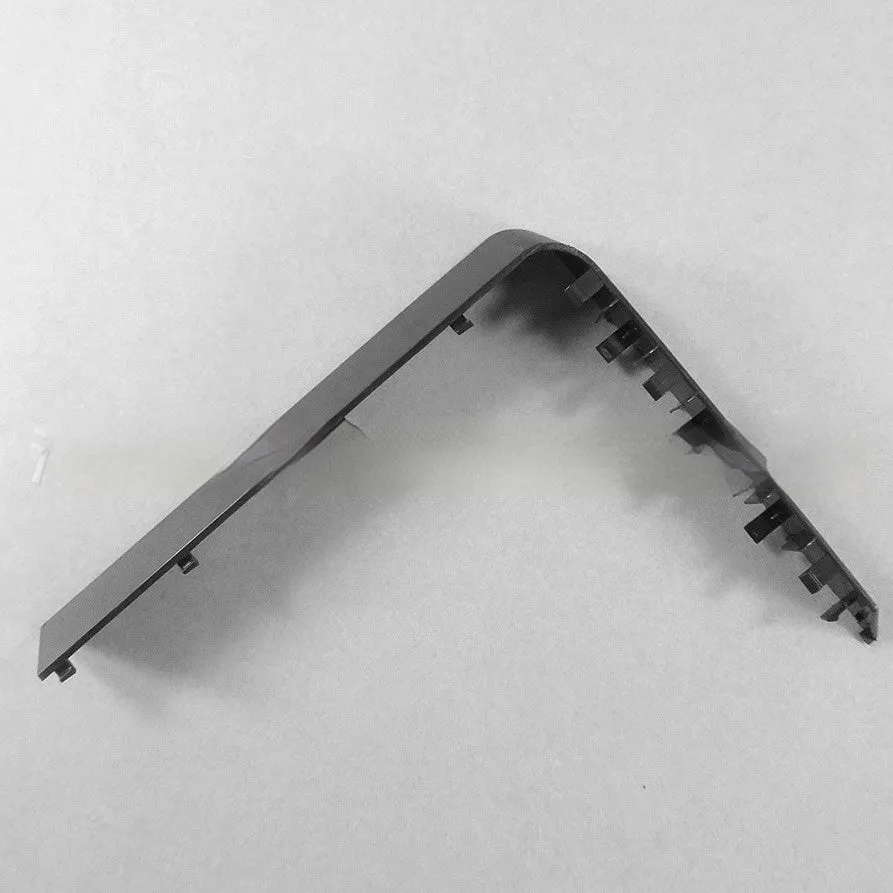
Host hard disk baffle bin baffle disk cover for PC computer internal hard drive bays and drive slots, plastic hard drive blanking plate available in black or white, simple snap-in design


Host hard disk baffle bin baffle disk cover for PC computer internal hard drive bays and drive slots, plastic hard drive blanking plate available in black or white, simple snap-in design
Plastic Hard Drive Baffle Bin Cover for PC Cases in Black or White
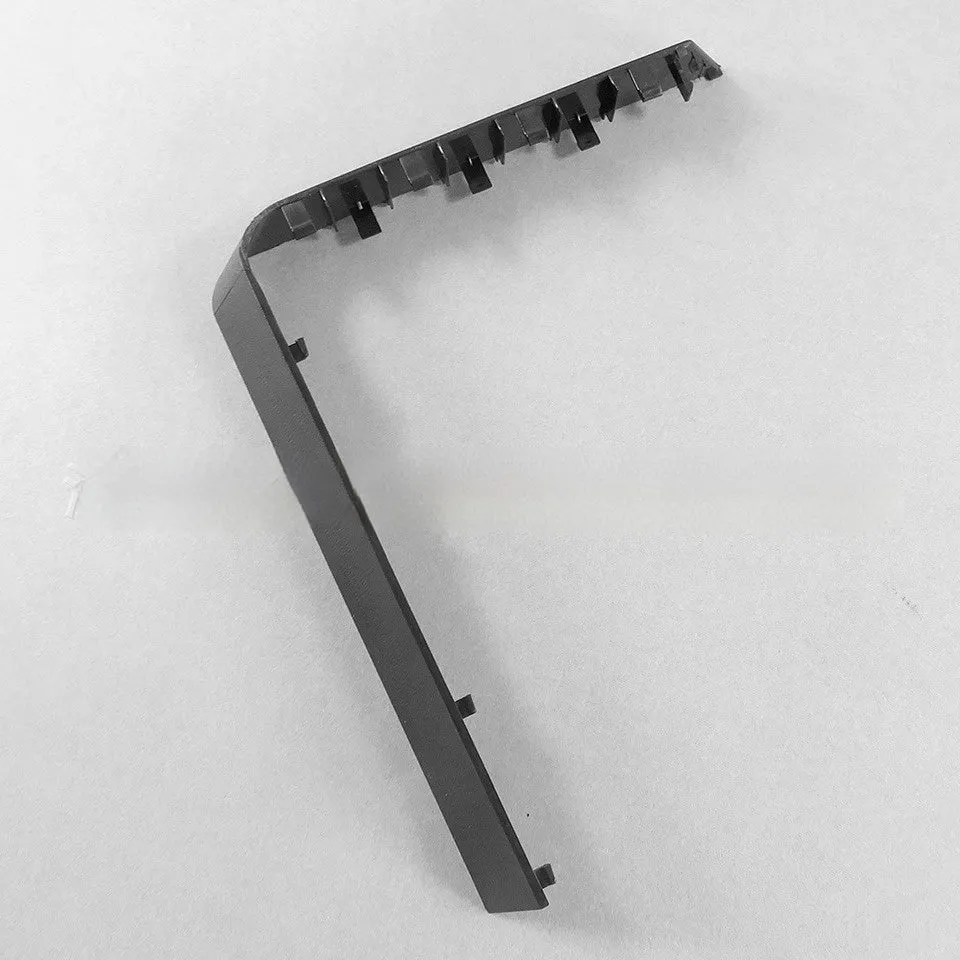
This hard drive baffle bin cover is a practical component for PC builders and upgraders. It serves a specific function: to seal off vacant drive bays within a computer case. When you install fewer hard drives or optical drives than your case has slots, these openings can become entry points for dust and can disrupt intended airflow patterns. This simple plastic cover provides a finished look, blocking those gaps neatly. It is designed for the common 3.5-inch and 5.25-inch bay sizes found in most desktop computer cases, and its straightforward snap-in mechanism means no screws or tools are required for fitting.
Features and Construction

This product is defined by its simplicity and its fit for a standardised PC component role. Its construction and design are focused solely on fulfilling the task of covering an empty drive bay securely and neatly.
Material and Build
The cover is made from plastic. This material choice results in a lightweight part that is sufficiently rigid to span the drive bay opening without sagging. It is not a structural component and does not bear any load, making plastic a suitable and cost-effective material. The build utilises a snap-in design, which typically involves small plastic tabs or clips on the edges that lock into corresponding slots or ridges inside the metal drive bay frame of your computer case.
Size and Practical Fit
The cover is manufactured to fit standardised drive bay dimensions. It is compatible with both 3.5-inch bays, traditionally used for hard disk drives, and 5.25-inch bays, commonly used for optical drives or some fan controllers. This universal compatibility means it can be used in most desktop computer cases produced over many years. The fit is designed to be flush, sitting neatly in the bay opening without protruding or looking out of place.
Uses and Placement
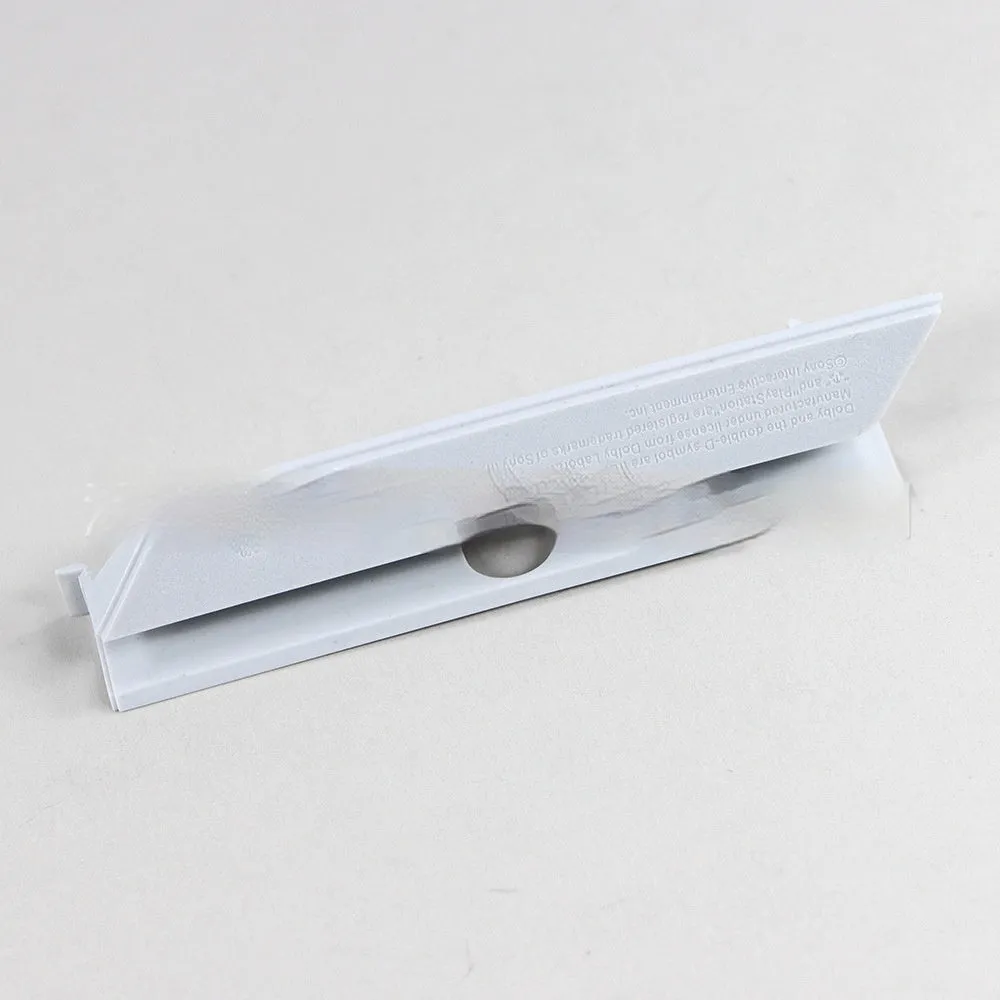
The primary use for this cover is within a personal computer case, but its application can vary slightly depending on the user's environment and goals.
Event or Professional Use
In professional or public-facing computing environments, such as in offices, schools, or at events where demo PCs are used, internal tidiness can be part of a maintained standard. Using these covers ensures all external case openings are filled, presenting a complete and professional appearance if the side panel is transparent or needs to be removed for servicing. It also contributes to consistent thermal management by sealing potential airflow short-circuits.
Everyday Home Use
For the home PC user or enthusiast, this cover helps with basic PC maintenance. By blocking unused bays, it reduces the amount of dust that can settle inside the case on other components like the motherboard or graphics card. This can contribute to slightly lower internal temperatures and may extend intervals between needing to clean out dust filters or the interior. It also completes the internal look of a build, which is particularly valued in cases with side window panels.
Benefits and Buying Value

The value of this product lies in solving a small but common issue in PC assembly and upkeep. It is a low-cost part that addresses a specific gap in functionality.
Reuse and Low Maintenance
One of the practical benefits is reusability. As your storage setup changes—for example, if you remove an old hard drive or decide to add a new one later—you can easily swap these covers in and out. The snap-in design allows for this without wear and tear on threads or risk of losing screws. The cover itself requires no maintenance; it is a passive part that simply sits in place.
Why Choose This Product
You would choose this specific hard drive cover for its basic utility and colour options. It provides the standard function expected of a drive bay blanking plate. The availability in both black and white is a straightforward advantage, as it allows you to select the version that best matches or contrasts with your computer case's interior colour scheme, supporting a cohesive visual design inside your PC.